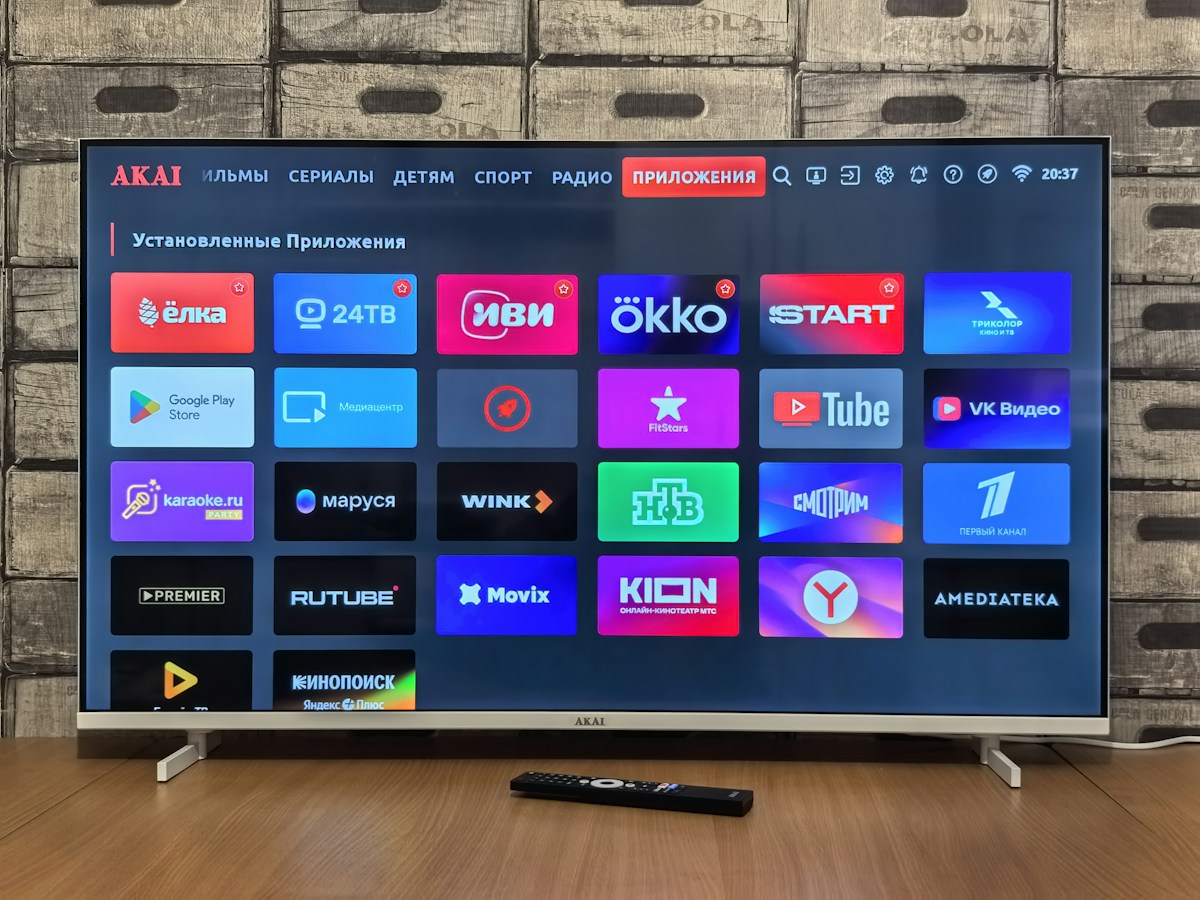
Start with the content you will actually watch
Write down the channels, genres, language options, sports, news, family programming and on-demand titles that matter to your household. Then ask any provider to confirm which of those items are currently included for a customer in the United States. A broad headline number does not tell you whether the channels you watch are present, stable or authorized for distribution.
Availability can differ by package, region and rights agreement. Ask for a clear answer about local and regional channels, live events, replay features and video-on-demand access rather than relying on a generic list copied across multiple websites. A provider that explains the limitations plainly gives you more useful information than one that promises everything without details.
Check distribution rights and business transparency
Before paying, look for the provider’s identity, a working support route, written terms, privacy information and a clear explanation of its content authorization. IPTV is a delivery technology; it does not by itself prove that a service has permission to distribute every programme or channel it advertises. The legal position depends on the service, content rights and your location.
Be careful with anonymous operators that use copied logos, avoid written terms or ask for payment before explaining what is included. Do not assume a technically working stream is automatically authorized. Keep a record of the offer and use services that can explain their rights and commercial terms in a way you can verify.
Match the subscription to your devices
List every device you plan to use: Smart TV, streaming stick, Android TV device, phone, tablet or computer. Confirm the exact model, operating-system version and compatible application before purchasing. An IPTV subscription, a player app and a set-top box are different things; one may be sold separately from another, and the same app may not be available on every television platform.
Ask how activation works, whether setup assistance is included, how devices are registered and how many streams can run at the same time. If more than one family member watches independently, simultaneous-stream limits matter. If you use only a living-room TV, a simple remote-friendly interface may be more valuable than advanced features you will never use.
Evaluate HD, 4K and network performance realistically
Picture quality depends on the source stream, the device, the display and the connection between them. A provider may advertise HD, Full HD or 4K, but the result on your television also depends on whether that programme is supplied at the advertised resolution and whether your equipment supports it. Do not judge service quality from a single still image or promotional specification.
Test from the location where you normally watch. A wired Ethernet connection can reduce some Wi-Fi variables; if you use Wi-Fi, check signal strength near the television and pause heavy downloads during the test. Good bandwidth is helpful, but congestion, device performance and the provider’s delivery path can affect playback too. No honest checklist should treat buffering-free viewing as a universal guarantee.
Compare guide data, search and on-demand usability
Channel count is only one part of the daily experience. Check whether the electronic programme guide (EPG) shows accurate titles and times, how quickly you can switch channels, whether search is useful, and whether categories are organized logically. If replay or catch-up matters to you, confirm exactly which channels support it, how far back you can go and whether that feature is included in the quoted plan.
For on-demand content, test how titles are labelled, whether artwork and descriptions load properly, and whether the catalogue can be searched. A large library is not helpful if the interface is difficult to navigate or the programme details are out of date. Build your comparison around the tasks you do regularly: find a live event, resume a show, or switch profiles.
Compare the full price, not only the headline
Place every offer on the same time basis. Compare the amount due today, the length of access, any setup charge, supported devices, refund conditions and the price of a later renewal. A cheaper first month can be poor value if the renewal price is much higher or the cancellation process is unclear. A longer package should be chosen only when the service has already met your needs.
Greadia’s published euro-denominated options are €12 for one month, €25 for three months, €32 for six months, and €55 for twelve months plus one extra month. These are the site’s listed prices, not a guarantee that every local payment method or promotion will be available. Check the current pricing page and written conditions before placing an order.
Use any trial to answer specific questions
Greadia lists a trial window of 5–24 hours depending on timing and availability. Confirm the exact duration, eligibility and included features with support before activation. Use the time to test the device you will actually use, check your key channels, explore the guide, assess picture quality during busy hours and confirm that the app is comfortable to operate.
A trial is a short compatibility check, not proof that every event will work perfectly or that the service will meet every need indefinitely. Avoid leaving all testing until the last minutes. Write down any problem, capture the exact error message and ask support to clarify what is expected. If trial access is not available, use written plan details and the provider’s policy pages to decide whether the uncertainty is acceptable.
Make a decision with a simple scorecard
Give each candidate a score for verified rights, relevant content, device support, stream quality, programme-guide usability, price transparency, privacy and support responsiveness. Decide which factors are essential before comparing providers. For example, a household that mainly watches on one Smart TV may prioritize compatibility and clear cancellation terms, while a sports-focused viewer may need to test live-event performance at the times they watch most.
Before paying, read the Terms, Privacy Policy and Refund Policy, check whether renewal is automatic or manual, and save the agreed package details. Greadia states that renewals are manual, but you should reconfirm the current conditions with support. A good purchase is one where the limits, price and support route are understood before money changes hands—not one based only on a “best” label.
Frequently Asked Questions
What makes the best IPTV service in the USA?
The best fit is the service that can confirm authorized content availability for your location, supports your devices, performs well on your network and provides clear pricing, privacy terms and responsive support.
Does Greadia offer a trial?
A 5–24 hour trial may be available depending on timing and current availability. Contact support to confirm the exact duration, eligibility and features before activation.
Can I use an IPTV subscription on more than one device?
Only within the plan’s device-registration and simultaneous-stream limits. Confirm those limits before subscribing, especially if several people watch at the same time.
Should I buy a long plan immediately?
It is usually more prudent to verify compatibility, content and support first. Compare the total cost and renewal terms, and choose a longer period only once the service suits your needs.
Ready to compare your options?
Review Greadia’s published plans, confirm device compatibility and ask support about the exact content, trial availability and conditions for your location before paying.
Published prices currently include €12 for one month, €25 for three months, €32 for six months and €55 for twelve months plus one extra month. A 5–24 hour trial may be available depending on timing and availability; confirm current details first.
Related reading
IPTV Ireland: How to Compare Subscriptions and Devices · IPTV България: Как да изберете услуга и приложение през 2026 г.
FAQ · Terms · Privacy · Refund Policy